
Download SendBig – Free Large File Sharing, Secure Cloud Storage
Overview
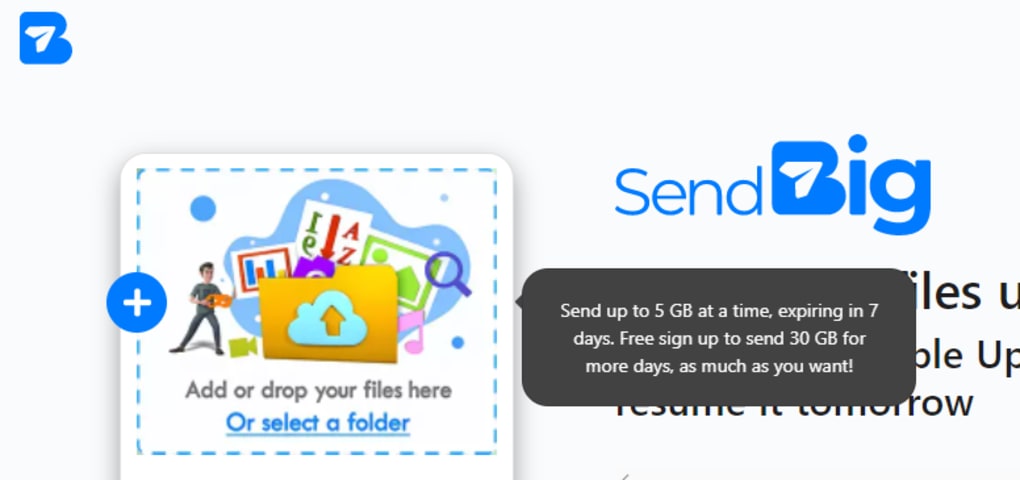
SendBig is a modern online file‑sharing platform that positions itself as a free, high‑capacity cloud storage solution. In a market dominated by services that cap individual uploads at 2 GB or less, SendBig breaks the mold by allowing users to upload a single file up to 5 GB on the free tier and up to 30 GB when the optional Pro version is activated. The service works through a straightforward, browser‑based interface that requires only an email address to create an account, making the onboarding process virtually frictionless for beginners and power users alike.
Once a file is uploaded, SendBig instantly generates a unique shareable URL that can be copied, pasted, or sent directly via email. The link remains active for a default period of seven days, after which the file is automatically removed from the servers. For users who need tighter control over their data, a “Self‑Destruct” option is available, which erases the file from the cloud immediately after the first successful download. This feature adds an extra layer of security for sensitive documents, contracts, or personal media.
The platform supports every major file format—documents, spreadsheets, high‑resolution images, videos, compressed archives, and more—so there’s no need to worry about compatibility issues when sharing content with friends, family, or colleagues. While the free tier already offers generous limits, the Pro upgrade (also free for a limited time) unlocks extended expiration windows of up to 30 days, larger upload caps, and a few customization knobs that help power users tailor the experience to their workflow.
Despite its strengths, SendBig is not a full‑featured collaboration suite. It lacks real‑time editing, commenting, and version‑control tools that are common in services like Google Drive or Microsoft OneDrive. Customer support also appears to be slower than industry leaders, which can be a drawback for enterprise users who require rapid assistance. Nevertheless, for anyone whose primary need is to transfer large files quickly and securely without the hassle of installing additional software, SendBig delivers a compelling proposition.
Key Features & Benefits
- Free upload limit of 5 GB per file (30 GB with Pro).
- Instant sharable link generation with custom expiration periods.
- Self‑Destruct mode for one‑time download security.
- No file‑type restrictions – supports all common formats.
- Simple email‑based registration; no credit‑card required.
- Pro upgrade adds 30‑day link lifespan and larger file caps.
- Fully browser‑based – works on Windows, macOS, Linux, Android, iOS.
- HTTPS encryption for data in transit and at rest.
Each of these features is designed to streamline the file‑sharing workflow. The generous 5 GB free allowance immediately sets SendBig apart from services that limit users to 2 GB or less, eliminating the need for tedious file splitting or compression. The link‑generation process is automatic; after a successful upload, a unique URL appears on the screen, ready to be copied. Users can also choose a custom expiration date—ranging from the default seven days up to a full 30 days when they enable the Pro mode—giving them control over how long the file remains accessible.
The Self‑Destruct option is particularly valuable for confidential information. Once the recipient clicks the link and downloads the file, the system purges the data from its servers, ensuring that no residual copies linger in the cloud. This feature complies with many corporate security policies that require data to be deleted after a single use.
Because SendBig is completely web‑based, there is no need to install a client application on the desktop or mobile device. The platform leverages modern HTML5 and JavaScript, making it compatible with any up‑to‑date browser on Windows, macOS, Linux, Android, or iOS. This cross‑platform flexibility is ideal for teams that use a mix of operating systems.
Security is baked in through mandatory HTTPS connections, which encrypt data while it travels between the user’s device and SendBig’s servers. While the free tier does not include advanced features such as password‑protected links or granular permission settings, the Pro upgrade introduces several of these options, allowing users to tailor access controls to their specific needs.
Installation, Usage & Compatibility
Getting Started – No Download Required
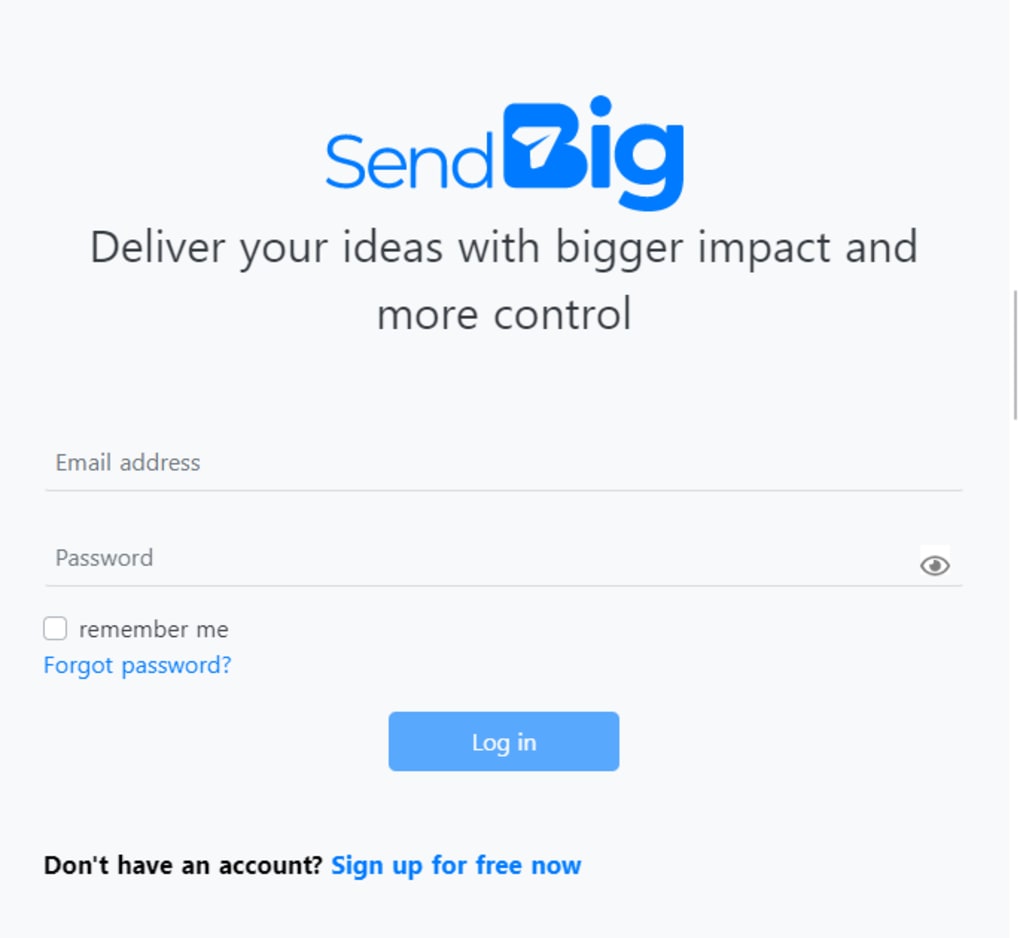
One of SendBig’s biggest selling points is that it does not require any software download or installation. To begin, simply navigate to the official SendBig website using any modern browser (Chrome, Edge, Firefox, Safari, or Opera). Click the “Sign Up” button, enter a valid email address, and confirm the registration link sent to your inbox. After verification, you’ll be redirected to the dashboard where the upload interface resides.
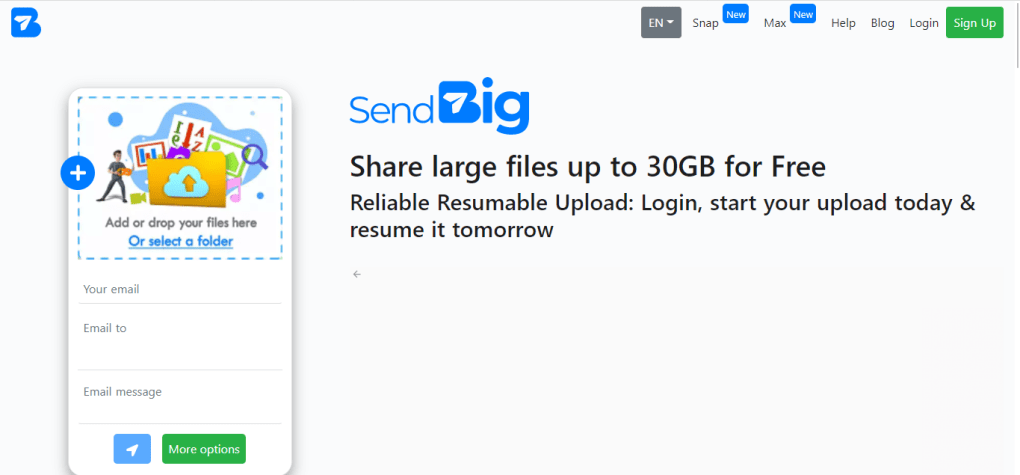
The upload process is drag‑and‑drop friendly. Users can either click the “Select Files” button or drag a file directly onto the designated drop zone. Once the file is selected, a progress bar displays the upload status in real time. After the upload completes—typically within seconds for files under 1 GB and a few minutes for larger files—the platform instantly generates a shareable URL that appears below the progress bar.
If you need the file to stay online longer than seven days, simply toggle the “Pro Mode” switch (available for free after a brief verification step) and choose an expiration period up to 30 days. The Pro mode also unlocks the 30 GB upload limit, which is ideal for video editors, architects, or anyone dealing with high‑resolution media.
Supported Platforms & System Requirements
SendBig works on any device with a modern web browser, including Windows 10/11, macOS Ventura and later, most Linux distributions, Android 8.0+, and iOS 13+. Because the service is cloud‑based, there are no heavy system requirements; a stable internet connection and at least 500 MB of free RAM are sufficient for smooth operation.
Mobile users can access SendBig directly from their device’s browser without needing a dedicated app. The responsive design automatically adapts the interface for smaller screens, preserving the drag‑and‑drop functionality via a simple “Choose File” button on touch devices. For users who prefer a native experience, SendBig offers a lightweight progressive web app (PWA) that can be installed on the home screen of Android or iOS devices, providing offline capabilities for file queuing and faster subsequent uploads.
Because all file handling occurs on SendBig’s secure servers, there is no impact on local storage. This makes the service an excellent choice for laptops or tablets with limited disk space, as files are never permanently saved on the user’s device unless the recipient chooses to download them.
Pros, Cons & Frequently Asked Questions
Pros
- Generous free upload limit (5 GB) that rivals paid services.
- No software installation – works entirely in the browser.
- Self‑Destruct feature for one‑time secure sharing.
- Supports every common file format without conversion.
- Free Pro upgrade provides 30 GB uploads and 30‑day links.
- Cross‑platform compatibility (Windows, macOS, Linux, Android, iOS).
Cons
- Lacks real‑time collaboration tools (editing, commenting).
- Customer support response times can be slow.
- Advanced security options (password protection, granular permissions) are only available in Pro.
- No native desktop client for background syncing.
- Files are automatically deleted after the expiration period; no archiving option.
Frequently Asked Questions
-
How large a file can I upload with the free version?
The free tier allows you to upload a single file up to 5 GB. If you need to share larger files, you can enable the free Pro upgrade, which raises the limit to 30 GB per file.
-
Is there a limit on the number of files I can store?
SendBig is designed for temporary sharing, not long‑term storage. Each uploaded file exists only until its expiration date (default 7 days) or until you manually delete it. There is no overall storage quota, but you cannot keep files indefinitely.
-
Can I password‑protect a shared link?
Password protection is available in the Pro mode. When you enable Pro, you can set a password that recipients must enter before downloading the file.
-
What happens to my file after the Self‑Destruct option is used?
When Self‑Destruct is enabled, the moment the first recipient downloads the file, SendBig permanently deletes it from its servers. No backup copy remains, ensuring maximum privacy.
-
Is SendBig safe for transferring confidential documents?
Yes. All data transfers use HTTPS encryption, and the Self‑Destruct feature guarantees that files are removed after the first download. For added security, enable the Pro mode to set passwords and extend link expiration only as needed.
SendBig provides an impressive blend of generous free limits, straightforward sharing, and solid security. While it lacks collaboration tools, its focus on fast, large‑file transfers makes it a valuable addition to any user’s toolbox.
Conclusion & Call to Action
In a digital world where the size of media files continues to grow, having a reliable, hassle‑free way to transfer large data sets is essential. SendBig rises to this challenge by offering a free tier that already surpasses many paid competitors, and a Pro upgrade that remains cost‑free while unlocking even higher limits and extra security features. Its browser‑only approach eliminates the friction of installing client software, and the intuitive interface ensures that even users with limited technical expertise can share files in seconds.
If your workflow revolves around occasional large‑file transfers—whether you’re a photographer sending raw images, a developer sharing build artifacts, or a family member distributing home videos—SendBig is a strong contender to consider. The self‑destruct option adds peace of mind for confidential documents, while the 30‑day link extension (in Pro mode) offers flexibility for longer projects.
To experience the benefits firsthand, sign up for a free SendBig account today. Upload your first 5 GB file, generate a secure link, and discover how effortless large‑file sharing can be. For power users, enable the free Pro upgrade to push the limits to 30 GB and enjoy extended link lifespans—no credit card required. Start sharing smarter, faster, and more securely with SendBig now.



.png)



